



Unsere Services

Isolator Support
Requalifizierungen, korrektive Wartung und Rekalibrierungen
Isolator Support
Requalifizierungen, korrektive Wartung und Rekalibrierungen
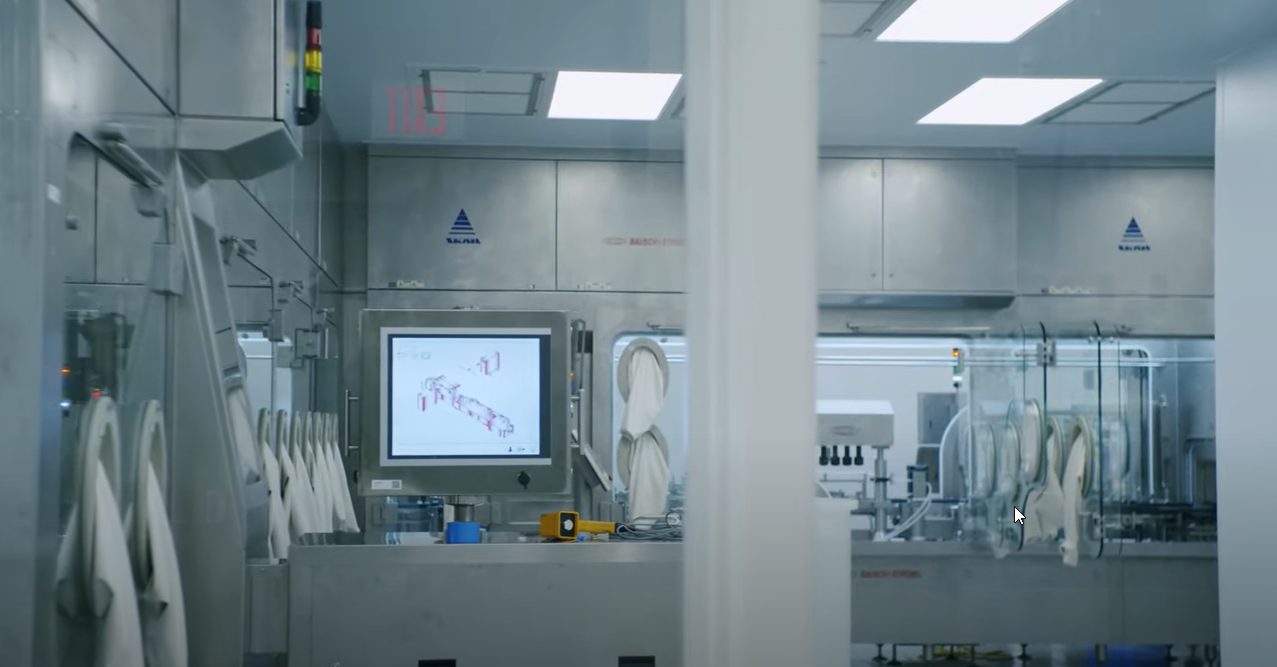
SKAN bietet professionellen Support, um sicherzustellen, dass Ihre Anlagen maximal produktiv und zuverlässig arbeiten. Die Entwicklung umfassender Wartungsprogramme und Serviceleistungen, die alle Aspekte der SKAN Geräte abdecken, wurde durch die jahrzehntelange praktische Erfahrung unserer Experten inspiriert.
Unsere zertifizierten Techniker führen präzise Rekalibrierungen, Reparaturen sowie Änderungswünsche vor Ort durch, um den qualified status Ihrer Geräte zu erhalten. Auch mikrobiologische Rekalibrierungen zur Überprüfung der Wirksamkeit des Dekontaminationsprozesses und damit der Gewährleistung der Arbeitssicherheit, können professionell und zuverlässig realisiert werden.
Haben wir Ihr Interesse geweckt?

LifeCycle Support Engineering
Die professionelle Optimierung bestehender Geräte und Anlagen
LifeCycle Support Engineering
Die professionelle Optimierung bestehender Geräte und Anlagen
Viele Parameter ändern sich im Laufe der Zeit und lassen Arbeitsabläufe und Equipment veralten. Benutzerspezifikationen, Produktionsänderungen und neue Vorschriften nehmen stetig Einfluss auf die Anforderungen an Prozesse und Anlagen. Auch die Verfügbarkeit von Services, der Support für Software und die Bereitstellung von Ersatzteilen nimmt mit der Zeit ab. Dies stellt ein hohes Risiko für die Produktion dar und beeinträchtigt sowohl die Funktionalität als auch die Effizienz von etablierten Prozessen.
Um auch ohne kostenintensive Investition in neue Produktions- und Laborgeräte immer auf dem aktuellsten Stand der Technik zu bleiben, liefert SKAN zukunftsweisende Möglichkeiten, um bestehende Anlagen aufzurüsten. Die digitale Integration neuster Technologien, Upgrades und Retrofits sichert die erweiterte Verfügbarkeit der Schlüsselkompetenzen von Isolatoren und Anlagen.
Haben wir Ihr Interesse geweckt?

Ersatzteil- und Obsoleszenz-Management
Alle Ersatzteile aus einer Hand
Ersatzteil- und Obsoleszenz-Management
Alle Ersatzteile aus einer Hand
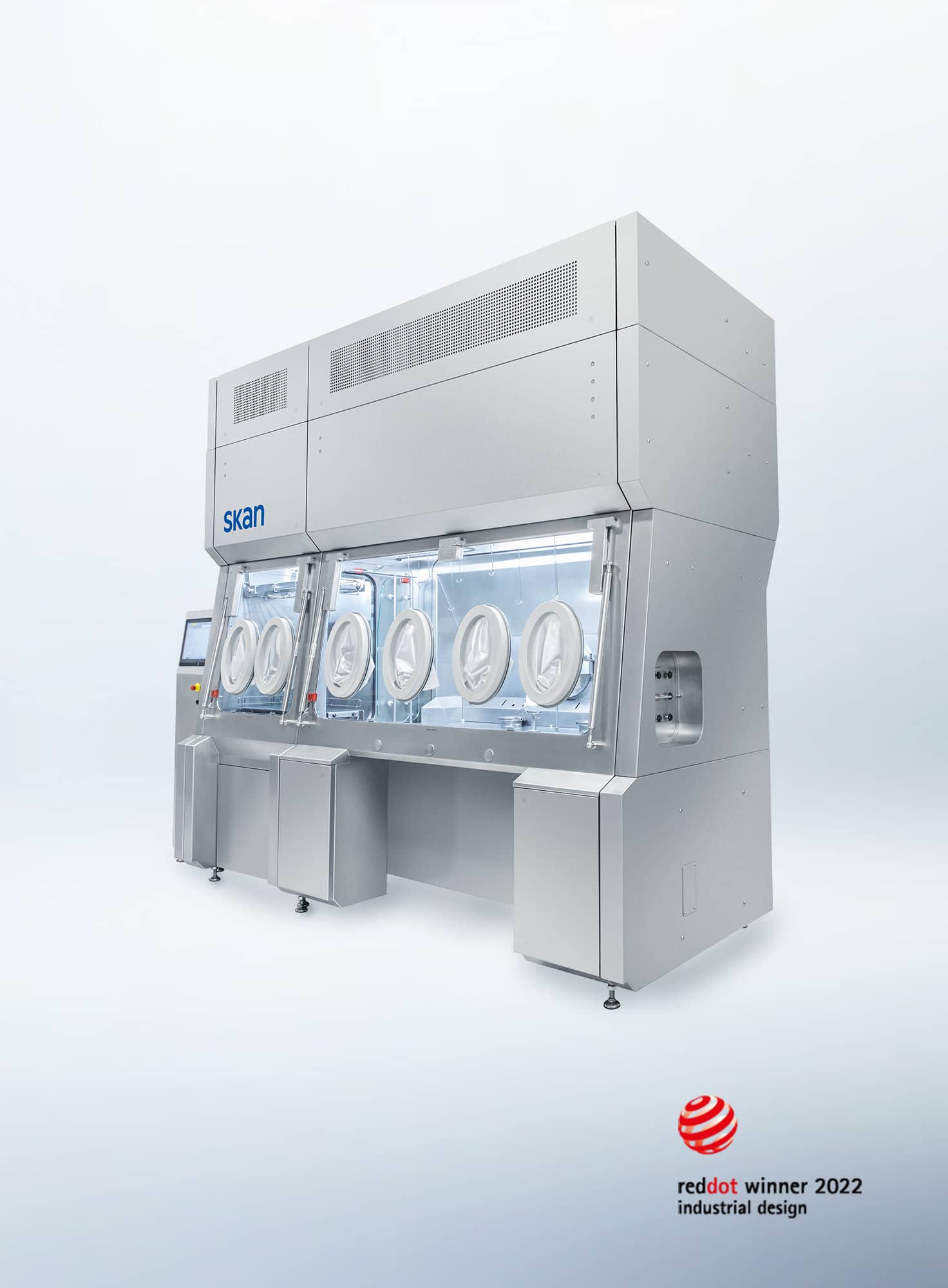
Der optimale Betrieb eines Isolators kann nur gewährleistet werden, wenn jedes Teil zuverlässig funktioniert. Schon minimale Fehlfunktionen sowie der unvermeidbare Verschleiss von Teilen in einem Isolator können zu langen Ausfallzeiten führen. Deshalb ist es wichtig, sich auf den richtigen Partner mit weltweiten Ersatzteillagern und gut geplanten Lagerbeständen verlassen zu können.
SKAN bietet einen umfangreichen Ersatzteileservice sowie verlässliche Obsoleszenzanalysen, durch welche Sie von einer aktiven Risikominimierung sowie der Sicherstellung einer einwandfreien Produktion profitieren.
Haben wir Ihr Interesse geweckt?

Support Hotline
Löst Ihre Probleme und unterstützt Ihre Prozesse
Support Hotline
Löst Ihre Probleme und unterstützt Ihre Prozesse
SKAN vervollständigt sein umfassendes LifeCycle Support Portfolio durch eine 24-Stunden Notfall-Service-Hotline. SKANs Support Hotline wird von einem dedizierten Team von Spezialisten betreut, welches Sie bei allen Arten der Fehlerbehebung unkompliziert und direkt unterstützt. Dabei greifen die Experten auch auf neueste AR-Technologien zurück, um Ihr Problem digital zu visualisieren und so schnellstmöglich verstehen und beheben zu können.
Haben wir Ihr Interesse geweckt?

Mikrobiologische Bestimmung
Bestätigung der Bakterienart auf biologischen Indikatoren
Mikrobiologische Bestimmung
Bestätigung der Bakterienart auf biologischen Indikatoren
Die Qualität von Kontrolltests für H2O2-Dekontaminationsprozesse hängt in hohem Masse vom verwendeten Mikroorganismus ab. Die Zertifizierung biologischer Indikatoren erfolgt daher immer auf der Grundlage eines bestimmten Bakterienstamms.
Da biologische Indikatoren für den Einsatz ohne spezielle Aufbewahrungseinrichtungen konzipiert sind, werden Bakteriensporen benötigt, die ihre Resistenzeigenschaften über die angegebene Lagerfähigkeit hinweg beibehalten. Für biologische Indikatoren werden daher in der Regel Bakteriensporen der Art Geobacillus verwendet.
Das Labor-Qualitätssicherungsteam von SKAN stellt geeignete Testverfahren zur Überwachung der für biologische Indikatoren verwendeten Mikroorganismen bereit und dokumentiert ihren Einsatz auf der Grundlage anerkannter Normen und Standards.
Haben wir Ihr Interesse geweckt?

H₂O₂-Raumdekontamination
Modernste Dekontaminationstechnologie für zuverlässige Ergebnisse
H₂O₂-Raumdekontamination
Modernste Dekontaminationstechnologie für zuverlässige Ergebnisse
Räume werden heute mit „kalten“ Verfahren dekontaminiert. Dadurch reduziert man schonend und zuverlässig die Keimbelastung auf Oberflächen, Filtern, ein- und ausgebrachten Materialien und Geräten.
Alles zum Service

Ausbruchstest für Laborabzüge
Überprüfung der Arbeitssicherheit von Laborabzügen vor Ort
Ausbruchstest für Laborabzüge
Überprüfung der Arbeitssicherheit von Laborabzügen vor Ort
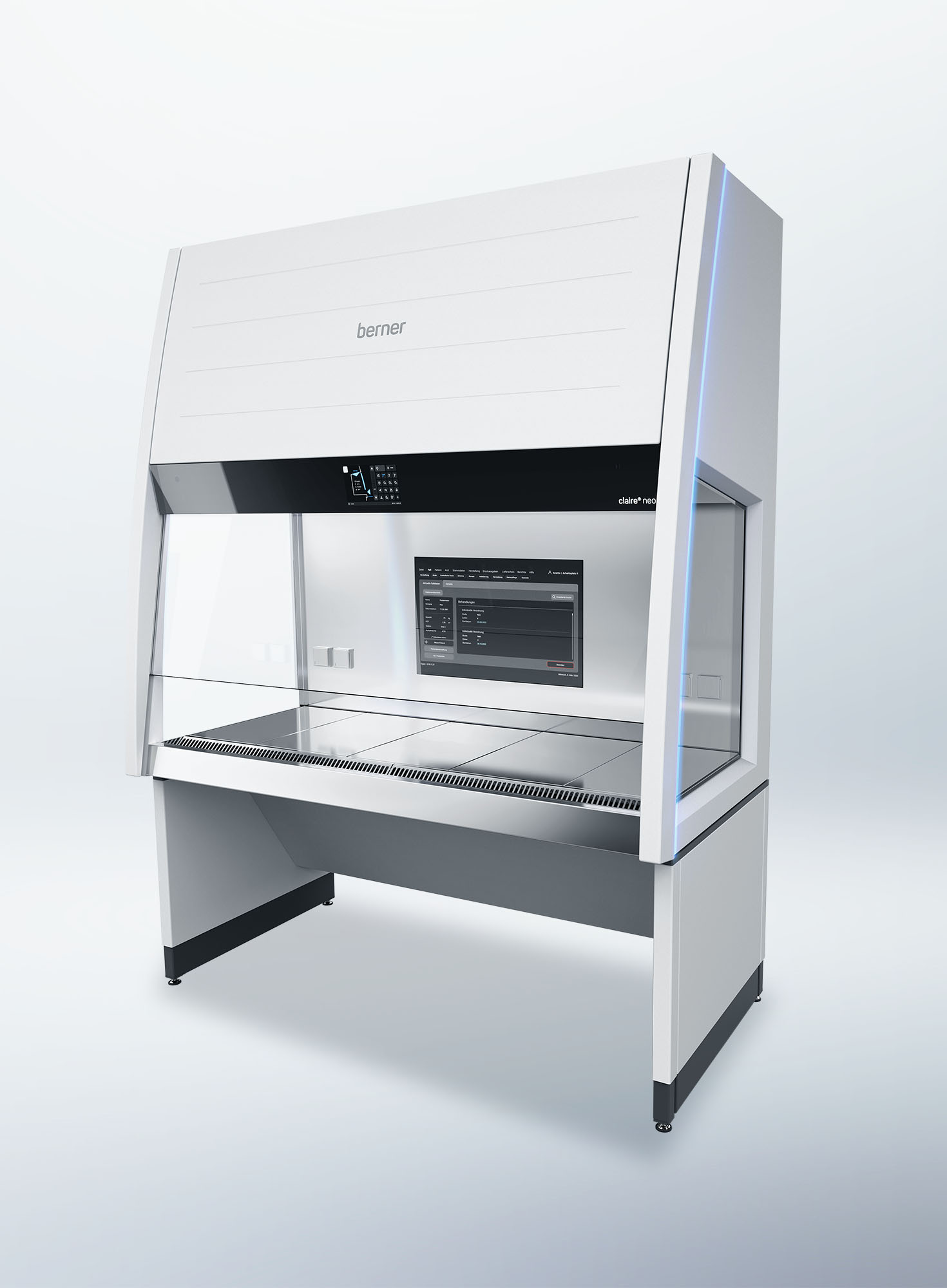
Es kommt Bewegung in den Arbeitsschutz. SKAN hat speziell für die Wartung von Laborabzügen ein robotergestütztes Testverfahren entwickelt.
Alles zum Service

SKANalytix
Analytische Dienstleistungen durch SKAN Analytics Experten
SKANalytix
Analytische Dienstleistungen durch SKAN Analytics Experten
Neben der Konzeption und Einrichtung von Isolatoren und Anlagen unterstützt SKAN mit SKANalytix seine Kunden auch im Bereich der Datenanalyse, Datenauswertung und Dokumentation. Um den unterschiedlichen Anforderungen gerecht zu werden, bietet SKAN die analytischen Servicepakete active, clean und persist an.
Die Dienstleistungen umfassen die Analyse der Reinigbarkeit von Isolatoren, die Bewertung und Entwicklung individueller Reinigungsprozesse, die Bestimmung geeigneter Verpackungsmaterialien und den H2O2-Einfluss auf Sterilitätstests.
Selbstverständlich orientieren wir uns sowohl bei der Durchführung als auch Dokumentation der Dienstleistungen an den Standards der „Guten Herstellungspraxis“ (GMP) sowie gängigen Normen und Richtlinien.
Haben wir Ihr Interesse geweckt?
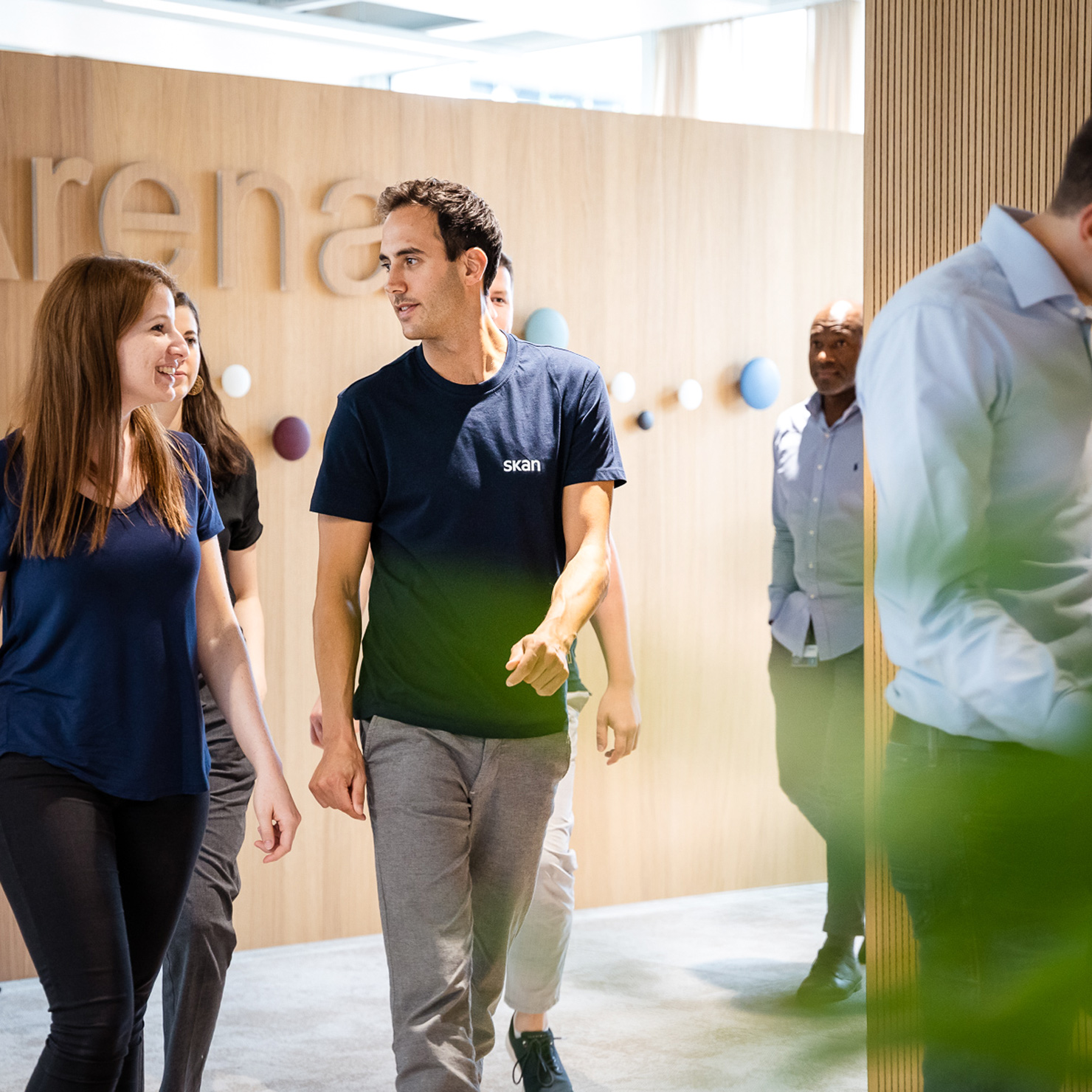
Arbeiten bei SKAN
Sie haben Spass am unternehmerischen Denken und an der Verwirklichung Ihrer eigenen Ideen? Sie sind ein Teamplayer und lieben gemeinsame Herausforderungen? Ergreifen Sie die Initiative und bewerben Sie sich bei SKAN.